Posted in Frame Founder • Last updated on February 03, 2026

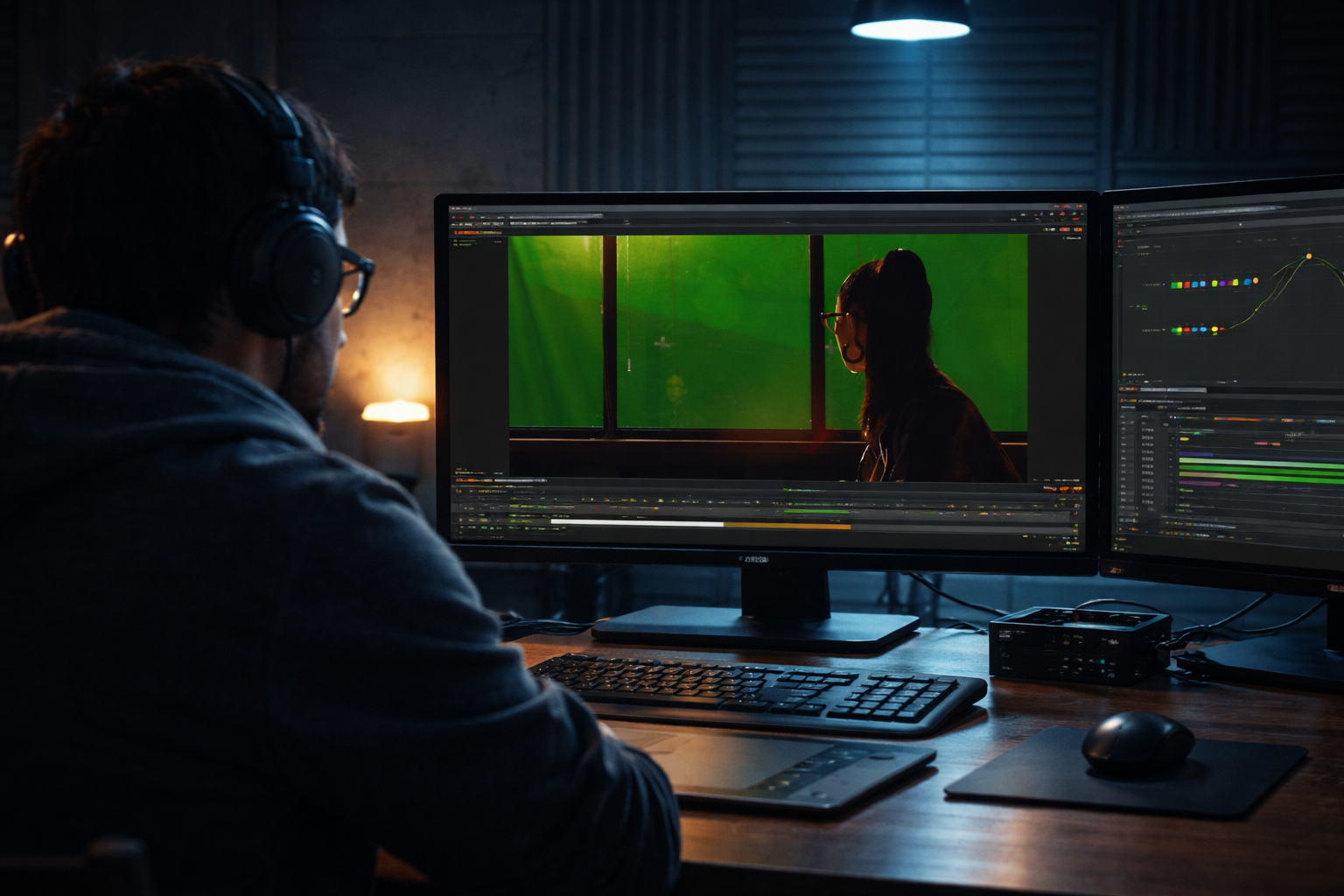
VFX video editing is widely used in films, advertisements, and online videos. It mixes real video footage with digital effects to improve visual storytelling. Professional VFX services play a crucial role in transforming raw footage into visually compelling cinematic content. VFX video editing is the process of adding computer-generated elements into recorded video footage.
This visual effects tutorial is made for beginners and intermediate video editors. It helps learners follow a clear structure without confusing technical terms. Readers will learn planning, compositing, visual effects, color adjustment, and export basics.
The focus is steady skill improvement through simple steps and regular practice.
Choosing the right video editing VFX tools helps editors work faster and maintain good output quality. All tools listed below are supported by official software documentation and trusted industry sources.
Adobe After Effects is widely used for compositing, motion graphics, and layered effects.
Premiere Pro supports timeline editing and works smoothly with After Effects.
DaVinci Resolve includes editing, color correction, and built-in effects tools.
Blender is free software offering 3D modeling, rendering, and compositing features.
Modern VFX workflows work better with multi-core CPUs and dedicated GPUs. A graphics card helps improve preview speed and faster rendering. Sixteen gigabytes of RAM helps projects run smoothly without lag. Solid-state drives reduce file loading time and cache delays.
VFX plugins help speed up repeated editing tasks. Stock footage and overlays help complete scenes more efficiently.
A clear workflow keeps VFX projects organized and easy to manage. Each step improves visual accuracy and reduces time spent fixing errors.
Creating a visual plan for each scene makes the editing process clearer. Good shot composition makes effect placement easier. Consistent lighting helps visual effects blend naturally during compositing.
Using clear and organized folder names helps editors find files quickly during editing. Setting the correct project size and frame rate at the start prevents technical problems later.
Masking helps highlight specific areas in the footage so editors can control visual details. Layer blending modes manage how different visual layers interact with each other. Keyframing adds smooth movement and creates clean transitions between effects.
Green screen keying removes unwanted backgrounds by selecting specific colors from the footage. Particle effects are used to create elements like smoke, sparks, or dust for added realism. Light and glow effects help match the brightness and lighting of the scene naturally.
2D tracking follows movement on flat surfaces and helps attach visual effects accurately. 3D camera tracking recreates real camera movement inside the software for better depth. Stabilization reduces unwanted camera shake and makes the footage look smoother and more professional.
Color correction helps balance exposure and fix color tones in the footage. Cinematic color grading then adds mood and creates a consistent visual style. Using LUTs makes it easier to apply the same color look across all scenes efficiently.
Export settings should always match the requirements of the target platform. Using the correct format, such as H.264, helps ensure smooth playback on online platforms.
Small details help visual effects look more realistic in video editing work. Matching lighting and shadows keeps all elements visually consistent. Reference footage helps editors compare real movement and natural lighting. Speed and quality choices depend on available hardware and project deadlines.
Simplify Your Frame Founder in 2025
Avoiding common mistakes helps improve visual quality and viewer engagement. Careful editing keeps effects natural and supports the story.
Learning VFX Video Editing becomes easier when techniques are practiced step by step. Editors should start with basic methods before moving to more complex effects. This gradual approach builds confidence and improves overall editing quality.
Simple transitions help beginners understand timing and motion control. Text and logo animations help build confidence while learning keyframe basics. These techniques create a strong foundation for future VFX work.
3D compositing allows rendered objects to blend smoothly with real footage. Rotoscoping helps separate subjects frame by frame for precise control. Advanced simulations create realistic fire, smoke, and fluid effects. These techniques require patience, practice, and proper system performance.
Simplify Your Frame Founder in 2025
This guide clearly explained planning, compositing, effects, grading, and exporting steps. Regular practice helps improve editing speed, realism, and consistency. Studying official software documentation supports long-term growth in visual effects skills.
24 hours. That's all it will take you to figure out the cost benefits of outsourcing!