Posted in Frame Founder • Last updated on February 03, 2026

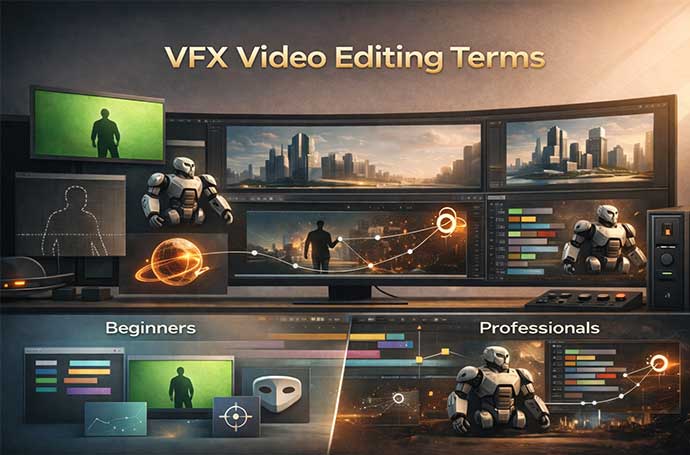
VFX video editing blends creativity with advanced technology to create powerful visual stories. It adds digital effects and elements that enhance scenes beyond what the camera can capture. Professional vfx services help filmmakers, brands, and creators transform raw footage into visually immersive experiences. Learning common VFX terms helps beginners understand the process faster and allows professionals to work more efficiently. Clear and accurate terminology improves communication between editors, designers, clients, and production teams.
This guide explains essential VFX video editing terms in simple words, making them easy to understand and apply. It helps streamline workflows, reduce confusion, and deliver high-quality, professional videos.
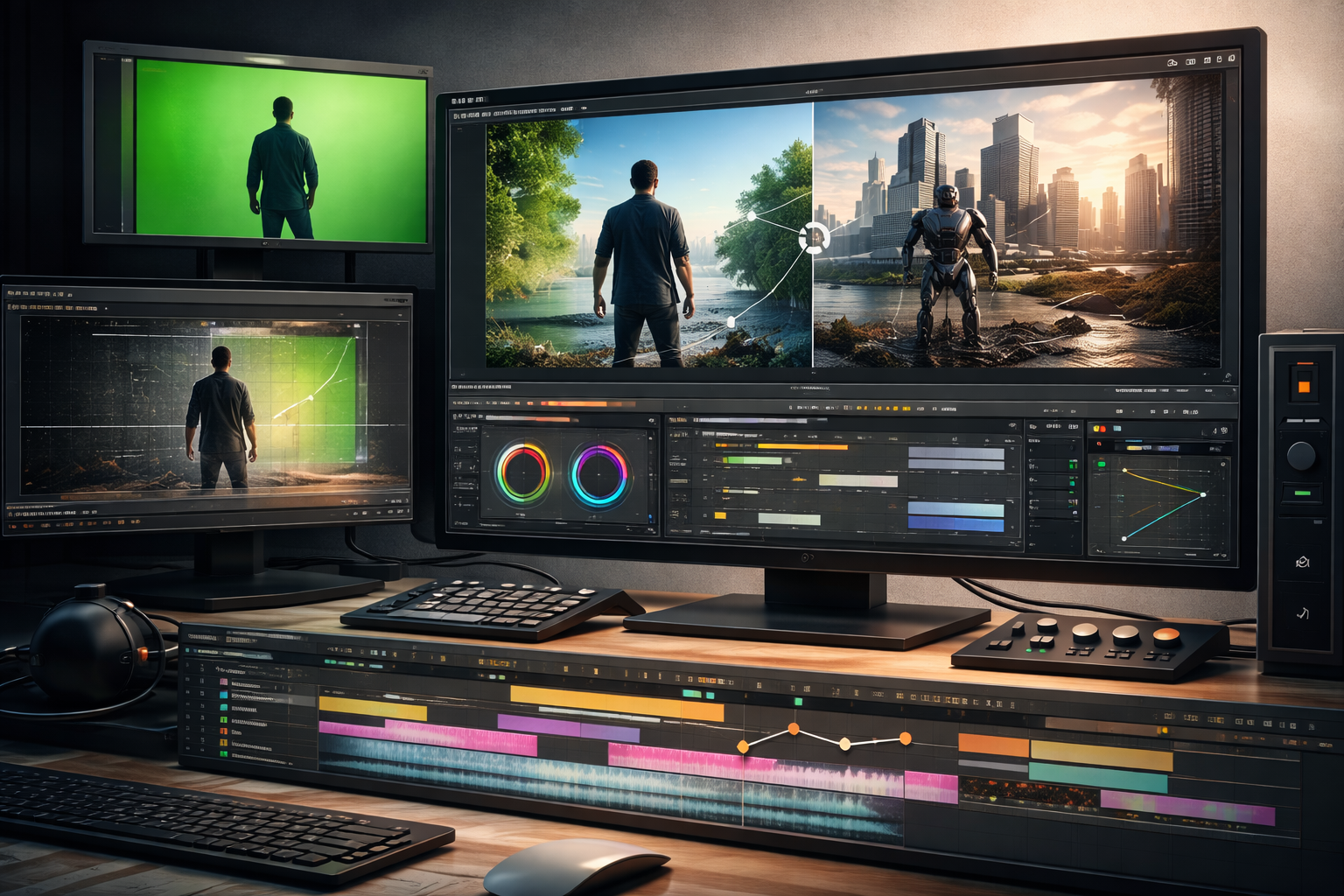
VFX (Visual Effects) refers to digital effects added after a video is recorded. These effects help create visuals that are difficult or impossible to capture during filming. While video editing focuses on cutting, arranging, and improving existing footage, VFX video editing goes a step further by adding new visual elements.
VFX can include digital objects, enhanced backgrounds, animations, and special visual effects that improve the overall look of a video. This technique is widely used in films and television shows to create realistic or imaginative scenes.
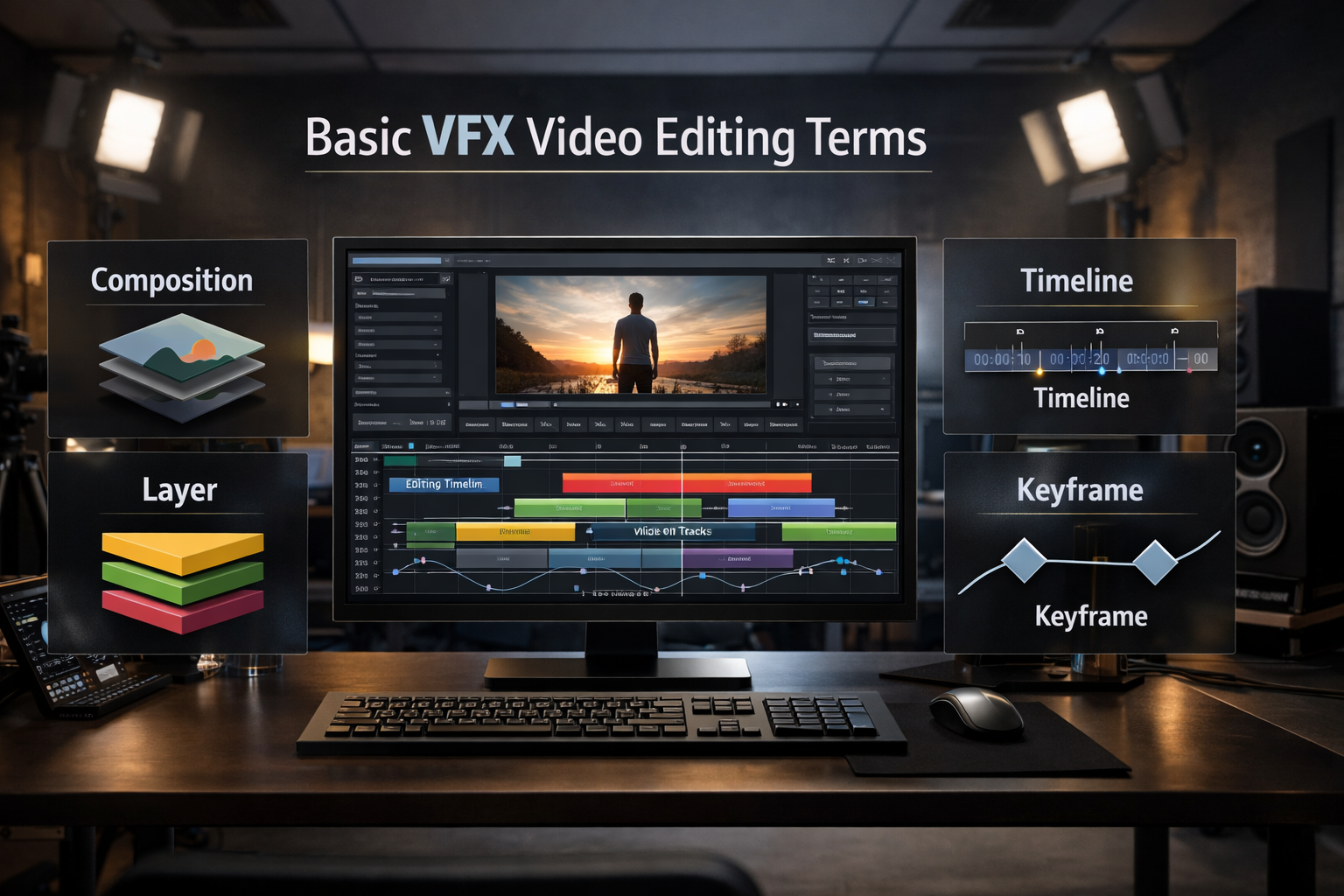
Composition means combining multiple visual elements into one final frame. It is the final stage where all effects come together. Editors adjust colors, lighting, and layers during composition. Good composition ensures visuals look balanced and realistic.
In VFX, a layer is a separate visual element stacked inside editing software. Each layer can include video clips, images, text, or visual effects. Layers allow editors to control position, timing, and appearance individually. This makes it easier to organize and manage complex VFX scenes without affecting other elements.
The timeline shows when each clip, effect, or layer appears in a video project. It helps control the order, duration, and timing of all visual elements. Editors use the timeline to ensure smooth transitions and proper sync between visuals and audio. A well-managed timeline improves overall video flow and quality.
A keyframe marks a specific point where a change happens in an effect or motion. It controls properties such as movement, size, opacity, and rotation. By setting keyframes, editors can create smooth animations and transitions between different states. Keyframes are essential for precise and professional VFX animation.
Rendering is the process of converting an edited project into a final playable video file. During rendering, the software processes all layers, effects, animations, and color adjustments together. Rendering time depends on project complexity, video length, and system performance. Proper rendering ensures high-quality output ready for sharing or publishing.
Simplify Your Frame Founder in 2025
Masking is a VFX technique used to hide or reveal specific parts of a video layer. It helps editors focus on one area without changing the entire frame. Masking is commonly used for color correction, background edits, and placing visual effects accurately.
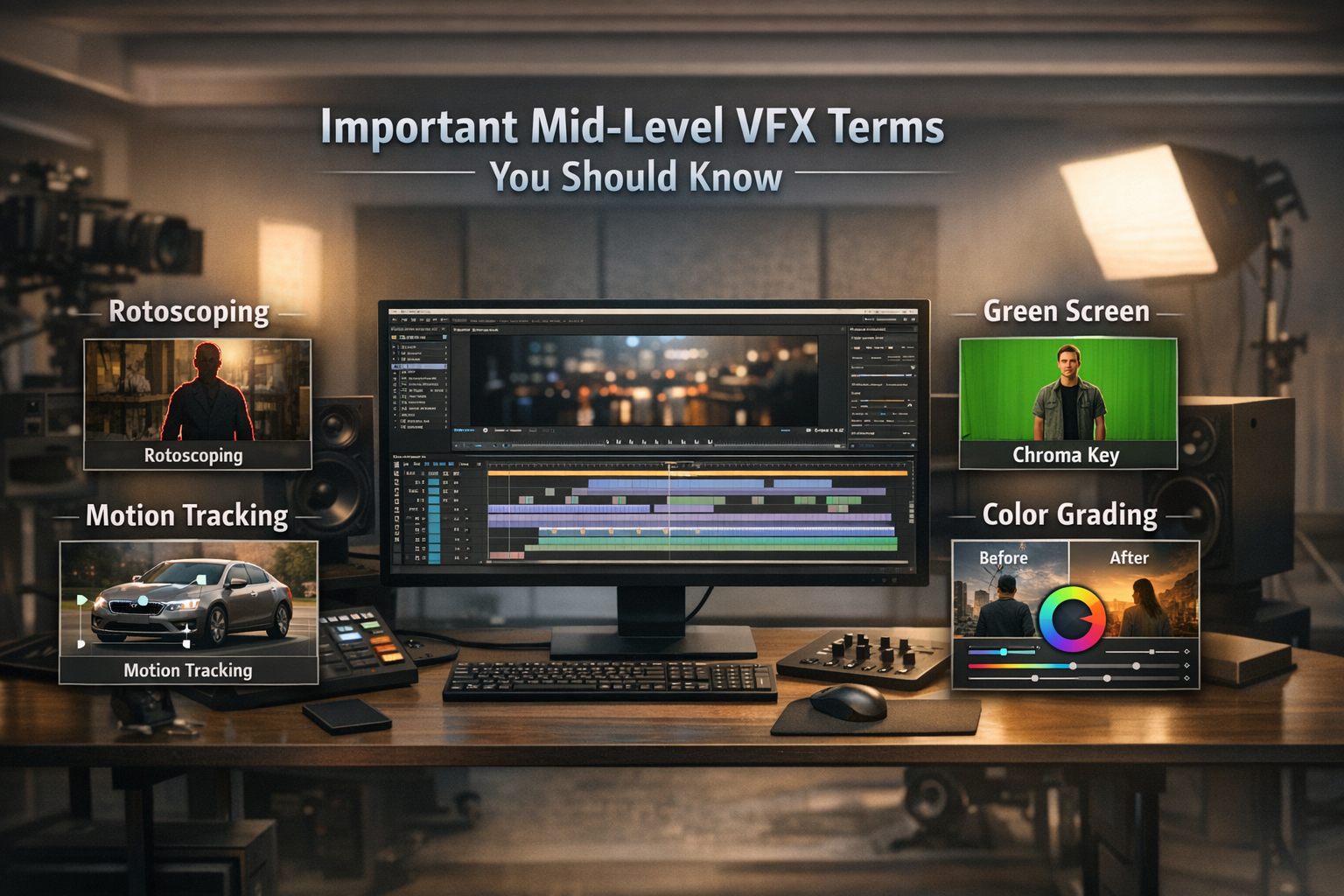
Rotoscoping is a process where editors manually trace objects frame by frame. It helps separate moving subjects from the background with high accuracy. This technique is useful when automatic selection tools do not work properly.
Motion tracking is used to follow the movement of objects in a video. It allows visual effects to stick naturally to moving elements, such as faces or objects. Motion tracking improves realism and saves time by reducing manual adjustments.
Green screen, also known as chroma key, is used to remove solid-colored backgrounds from video footage. Green is commonly used because it does not match most skin tones. This technique allows editors to replace the background with new images or scenes
Color grading is the process of adjusting colors to create a specific look or mood. It helps maintain visual consistency across all scenes. Professional color grading enhances storytelling and creates a stronger emotional impact.
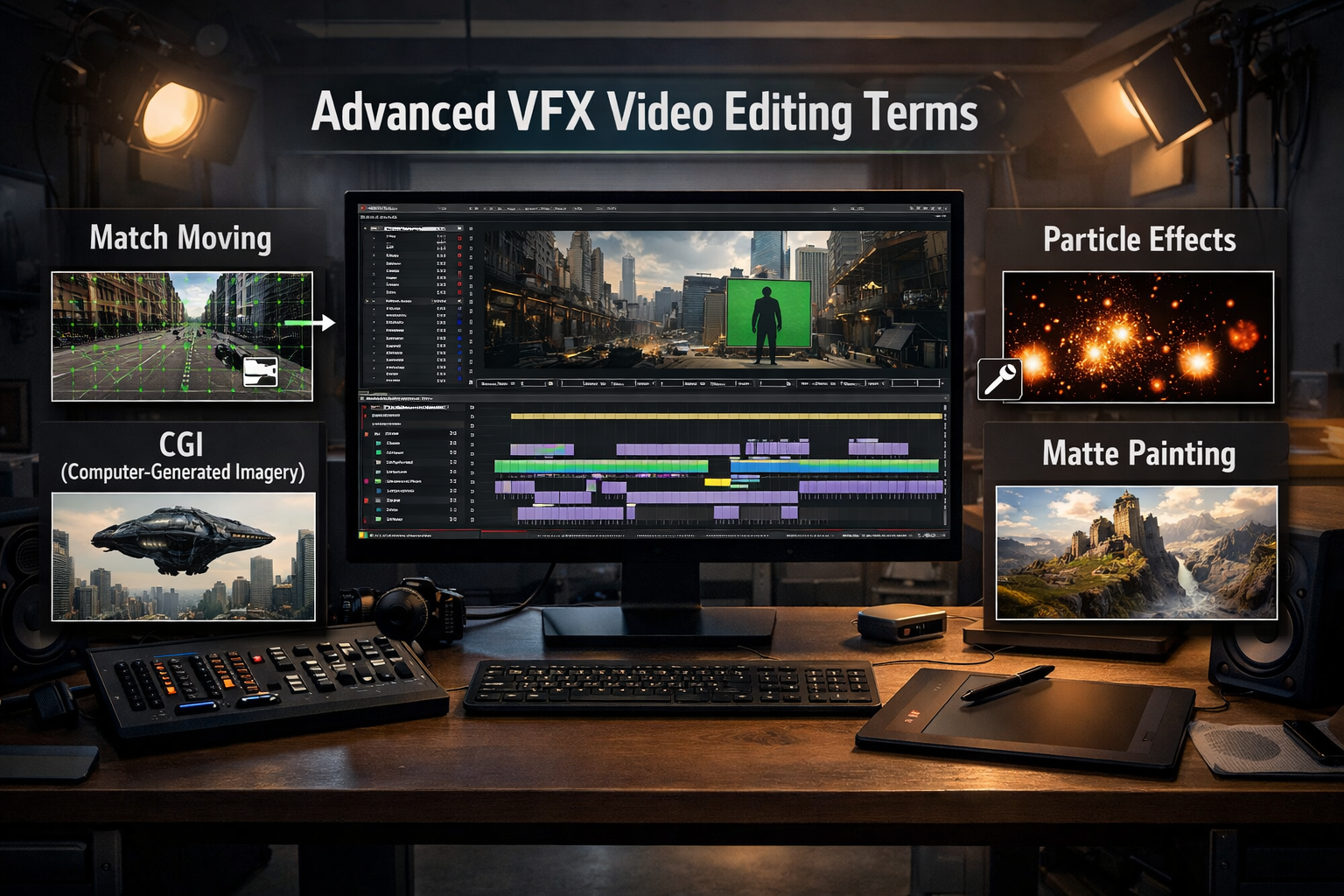
Match moving is a VFX technique used to track camera movement in real footage. It helps align virtual objects with the motion of the original camera. This creates a natural and realistic blend between CGI elements and live-action scenes.
CGI refers to visual elements created using computers. It includes 3D models, digital environments, and animated objects. CGI is widely used in movies, TV shows, and advertising to create visuals that are difficult or impossible to film.
Particle effects are used to create natural elements like smoke, fire, dust, and sparks. They work by using many small visual particles to form realistic movements. These effects add depth and enhance the overall visual appeal of a scene.
Matte painting is a digital technique used to create or extend backgrounds in a scene. It allows artists to replace real locations or expand environments realistically. This method helps save time and cost compared to building physical sets.
Motion blur is used to soften fast-moving objects in a video. It matches the natural blur created by real camera movement. Motion blur helps action scenes look smoother and more realistic.
Simplify Your Frame Founder in 2025
After Effects is a popular software used for motion graphics and visual effects. It supports compositing, animation, and text effects. Many VFX professionals use it for creating high-quality visual content.
Premiere Pro is mainly used for professional video editing. It allows editors to cut, arrange, and refine video footage easily. Premiere Pro works smoothly with VFX tools like After Effects.
DaVinci Resolve is well known for advanced color grading. It also offers video editing, visual effects, and audio tools. This software is widely used in professional film and video production.
Blender is a free and open-source 3D software. It supports 3D modeling, animation, rendering, and visual effects. Blender is popular among beginners and professionals due to its powerful features and zero cost.
VFX terms improve communication between editors and clients. They reduce confusion during project discussions. Clear language helps meet expectations faster. Knowledge speeds up learning and daily workflows. It also improves efficiency and project quality.
Simplify Your Frame Founder in 2025
Practice VFX video editing regularly by working on small, real-world projects. This helps you understand tools and techniques better. Focus on learning one VFX software at a time instead of switching between multiple tools. Follow trusted online tutorials, industry blogs, and expert resources to stay updated and improve your skills faster.
VFX video editing includes many important terms for different skill levels. Understanding these terms improves communication, workflow, and overall project quality. Beginners should start by learning basic concepts and essential tools. Professionals can grow further by mastering advanced VFX techniques. With consistent learning and regular practice, editors can achieve better creative results over time.
24 hours. That's all it will take you to figure out the cost benefits of outsourcing!